To help troubleshoot some bugs, the RFMS Support Team may need you to submit crash logs from your iOS device. Or, if RFMS Mobile has crashed on your iOS device, please do the following (for iOS 11 or later):
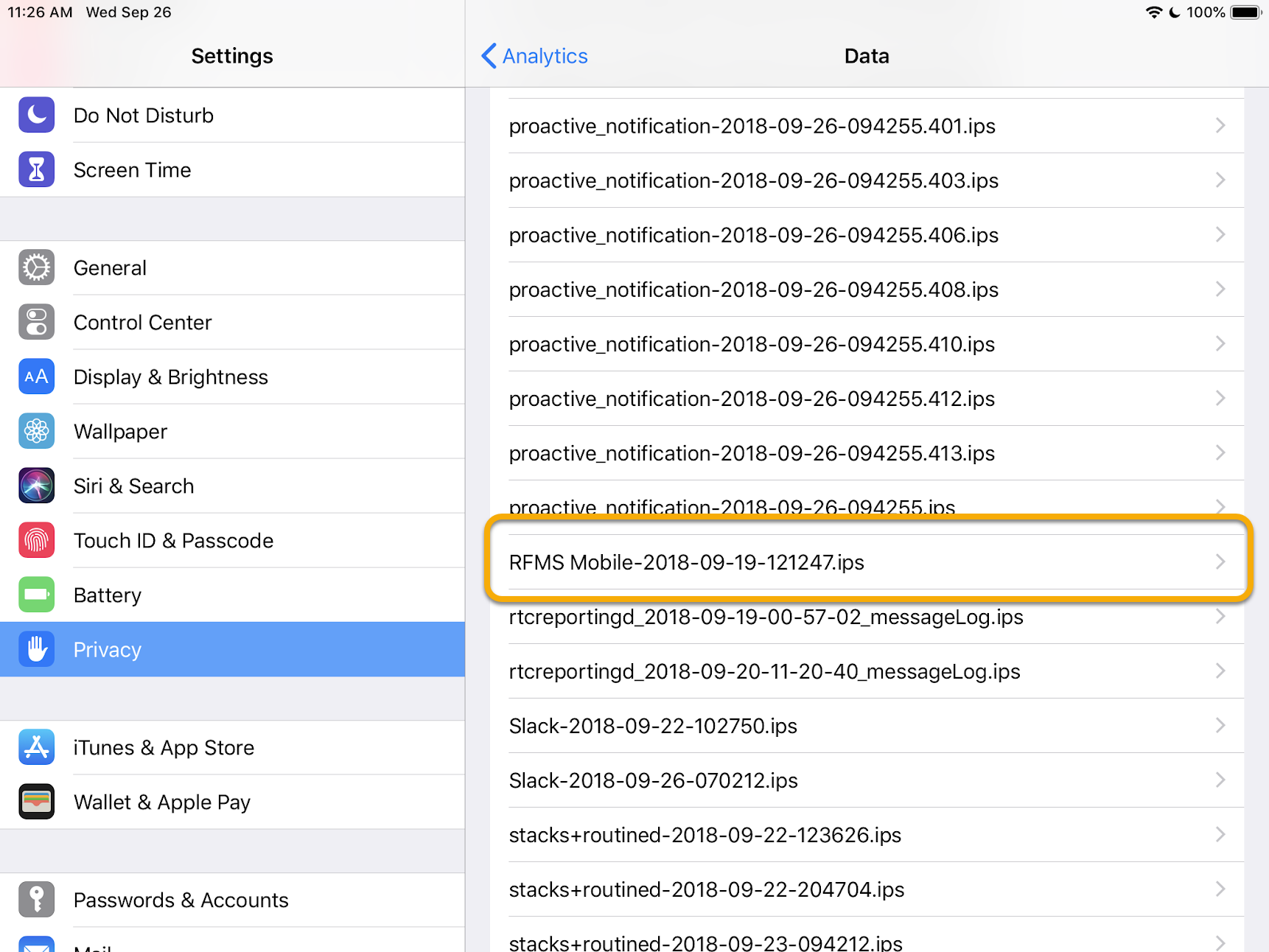
- Navigate to your device Settings > Privacy > Analytics > Analytics Data.
- Scroll through this list to find "RFMS Mobile" events. See screen shot below for an example. The list is alphabetical.
- Tap the event that contains RFMS Mobile.
- Tap the share icon at the top right.
- Email it to rfms-help@cyncly.com with "Crash Log" in the subject line.

Comments
0 comments
Please sign in to leave a comment.